

Step 1 : How to open LinkedIn Account
– Sign in LinkedIn account with Email i’d
– Give your basic information to complete registration
– Buy Sales Navigator account for advance search
Step 2 : How to search company and people in LinkedIn
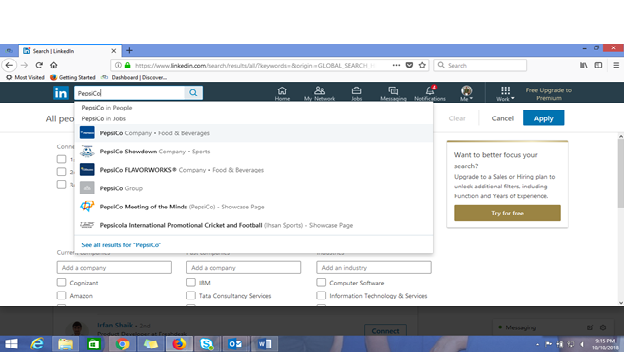
– Type the Company Name in LinkedIn Search Column
example ( Pepsico )
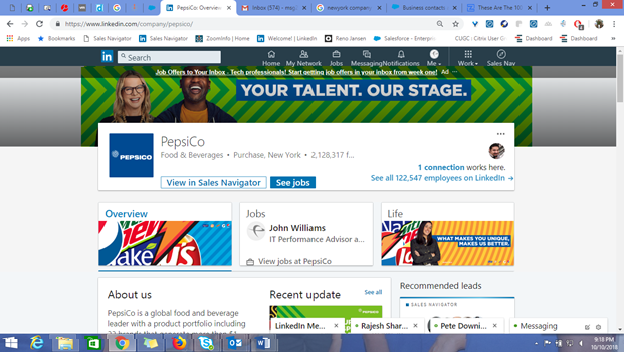
Company Industry – Food & Beverages
Location – New York
Employees (Employee Size)
Company Website
Step 3 – Click See all Employees on LinkedIn
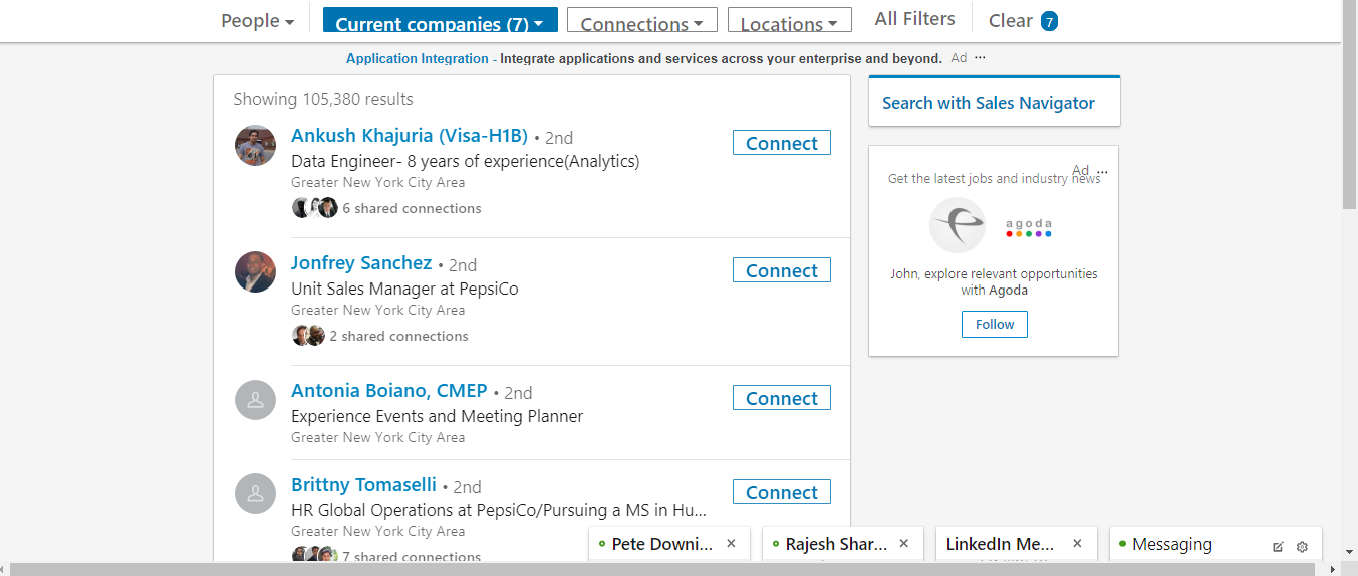
To find employees in Pepsico using Sales Navigator
Step 4 – Search with Sales Navigator
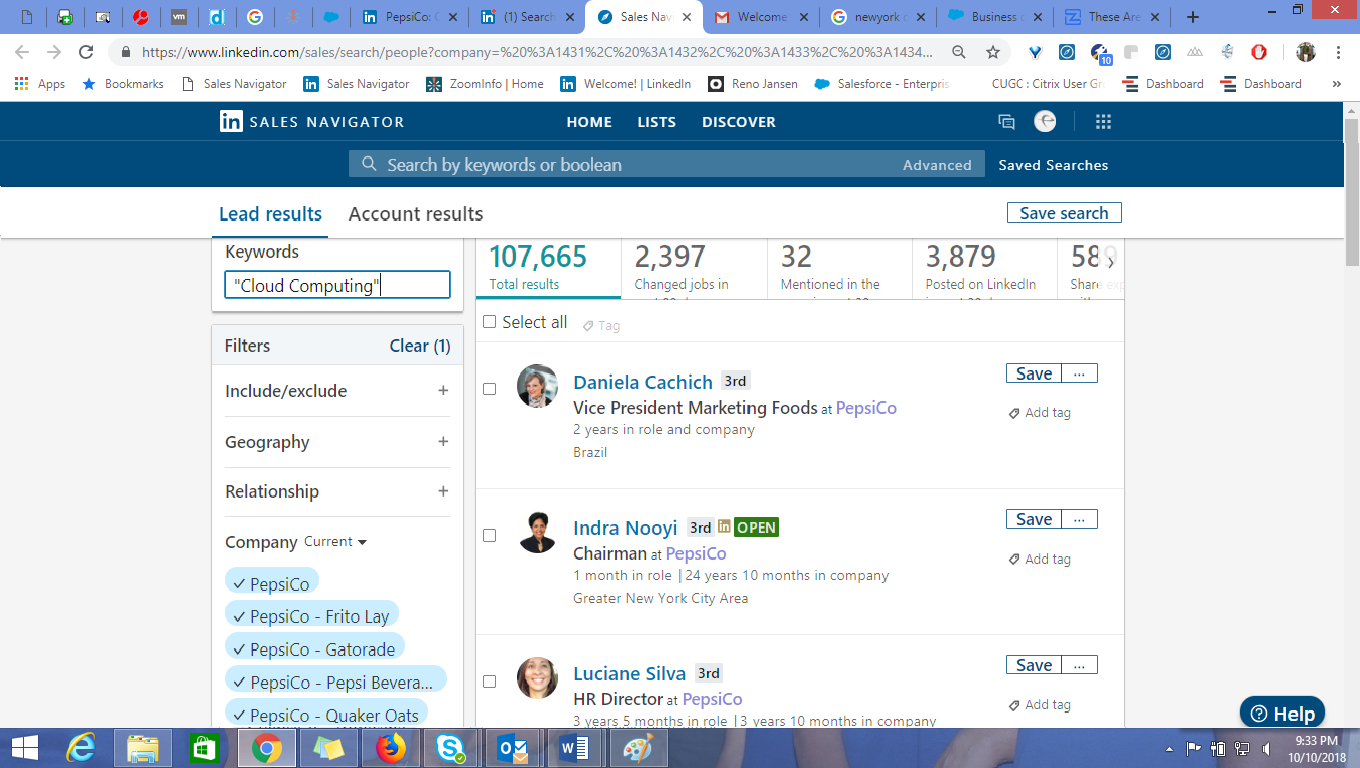
Search Employee Name and Employee Title in Keywords double quotes
Step 5 – Click the three dots and copy the LinkedIn URL
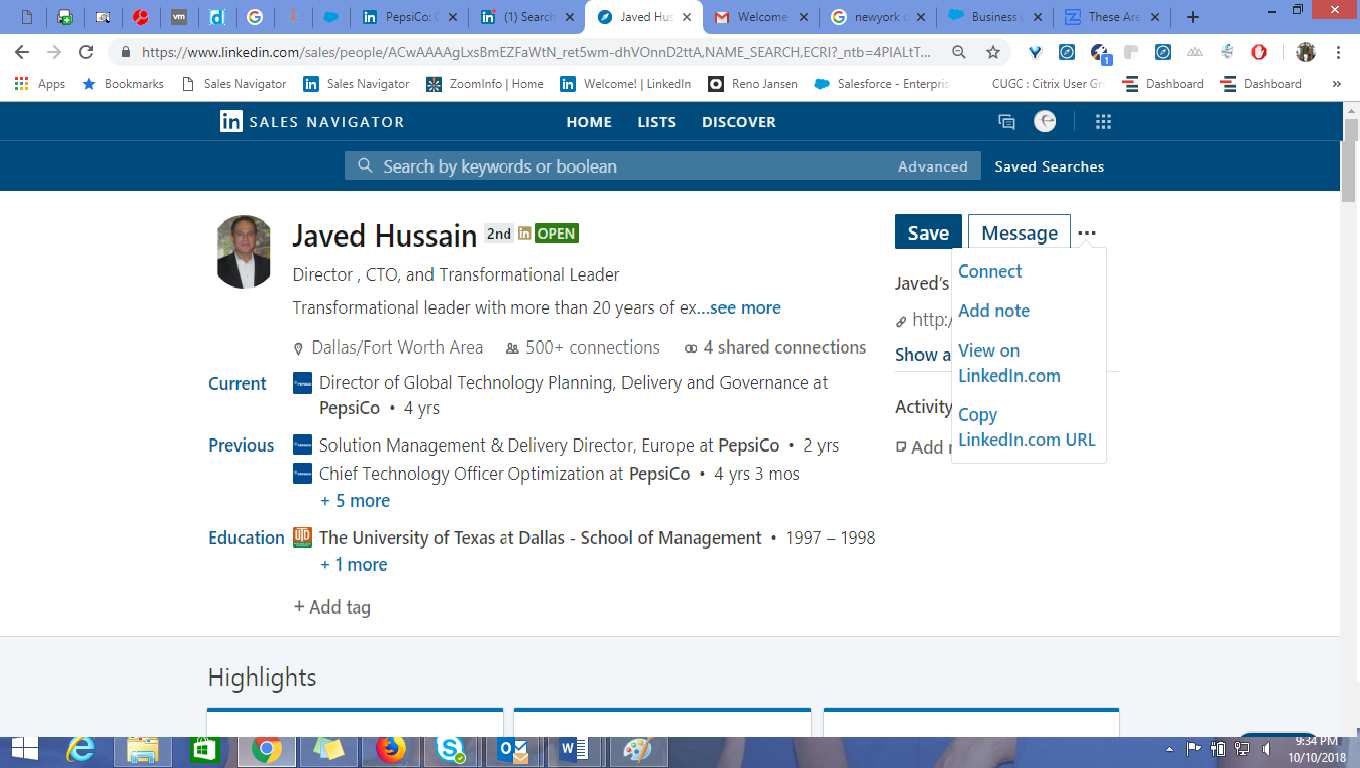
To copy LinkedIn link
 Lead Generation Toolkit
2 responses to “Tools used to Generate Leads”
[…] and last name, it’s difficult and it will take more time to get first name and last name using LinkedIn sales navigator. I started searching tools helping me to do this work faster and finally, I got solution from […]
LikeLike
[…] LinkedIn is a powerful professional networking site, and it can be even more powerful if you know some specific features that make finding people on LinkedIn easier. Check out this article to find out how! […]
LikeLike